Script

3. Select "Carter Consulting" as the Payee
4. Select "Master Account"
5. Enter $100 as the amount
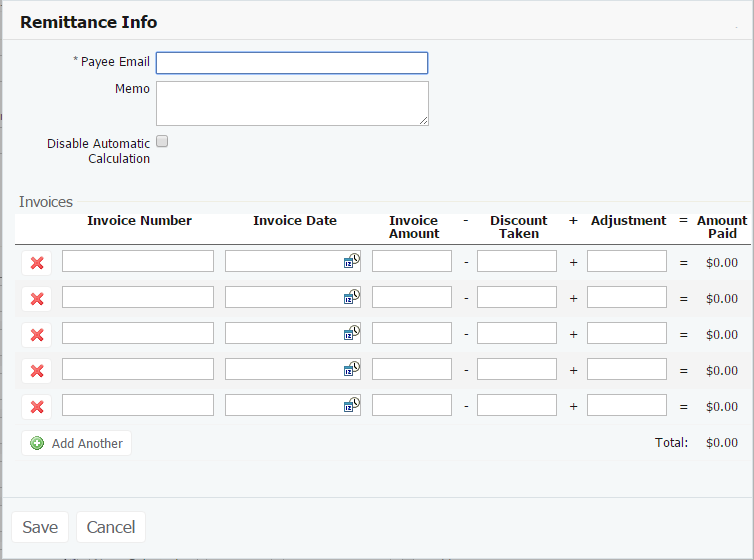
6. Click "Add Remittance" to preview where you can enter information to notify the payee about the payment
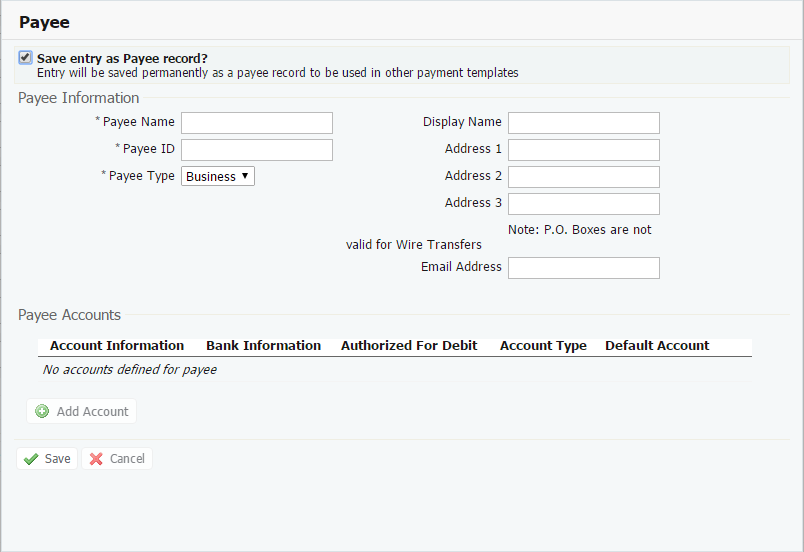
7. Click "Create New Payee" to preview how to create a new payee
8. Click "Request Batch"